Posts

Showing posts with the label Engineering

Earthquake machine with Lego and Microbit

Image
The idea for today's project came from making a competition in my class to see who could design a building that can survive an earthquake. I saw this same idea in Lego Masters and it looked fun. Unfortunately, we didn't get to do it because we ran out of time before the school year finished, but I learnt a lot in the process. This project is about an earthquake machine that I built with Lego and Micro:bit. It features 4 different speeds to make increasingly harder to survive and also resembles a bit what would happen in a real earthquake as the P, S and surface waves arrive. Here is what the full thing looks like so let's delve into more detail. As you can see here, when you pay close attention we have reused the Minecraft salvation console because it also used a 9 volt pump so all I had to do was switch it out for my 9 volt Lego motor and it was good to go. In this image below you can see the motor shield that I used to drive the 9 volt motor for this project. It is the ...

AI Recycling Robot

Image
Today I am sharing a video of a robot that uses AI to sort rubbish to improve recycling. This is a robot I have done as part of a bigger project for a coding competition in my country. The robot can only identify cans and plastic bottles. I found that training the model to detect other types of waste would be easy. The hard part is the mechanical components. I can rotate a servo both ways but manipulating more than two types of waste would require a conveyor belt and more complex mechanisms. The project was about recycling. The rest of the project included a website with HTML and CSS, a Scracth application and an app for Android mobile phones. I hope you enjoy the video!

Making a Vacuum chamber at home

Image
Today I am telling you about a vacuum chamber I have built at home. This is going to help me perform many experiments. You will see more posts coming soon about this topic. I built it with a simple jar, a big syringe and aquarium equipment link tubing and valves. You can find more find details in the video below. I had to drill two holes in the lid one for the pipe and another for a sensor. I used the BME280 sensor to measure the pressure inside with the help of a Microbit. This is what the sensor looks like. To read the values I installed the Enviro:Bit extension in the Microbit. This is the code I used. As you can see, with the BME280 you can also measure temperature and humidity. In this project we also learnt the importance of sealing the jar well as the air molecules are incredibly small and they will try to get get in and ruin your vacuum. I used a hot glue gun to seal the gap in between and around the cables. This is what the finished setup looks like. In this video you will see...

My first Lego Spike project

Image
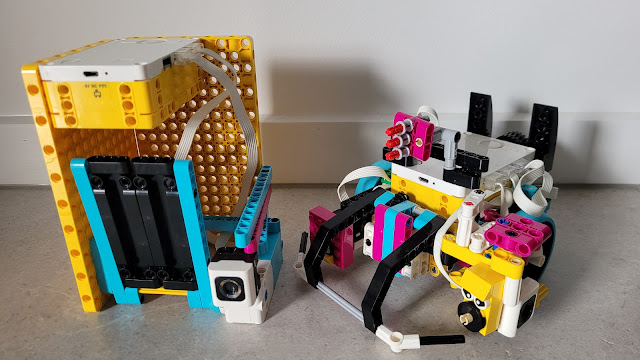
What inspired me to make this project was my teacher's farm. She has 75 chickens and she complains that snakes are a problem and also getting up early in the morning to open the chicken coop. So I decided to make two robots to solve her problem. The first robot opens the chicken coop automatically at day time and closes at night time. The second robot goes around the farm and captures any snakes so that they can't have chicken for breakfast. Then it carries the snake out of the farm making sure it doesn't damage any of my teacher's precious eggs and chickens in the process. To solve it I had to learn new skills such as my blocks, basic line following algorithms and sensors I had never worked with before.   This is a video demonstrating the solution I made.

Arcade Game - Minecraft Salvation

Image
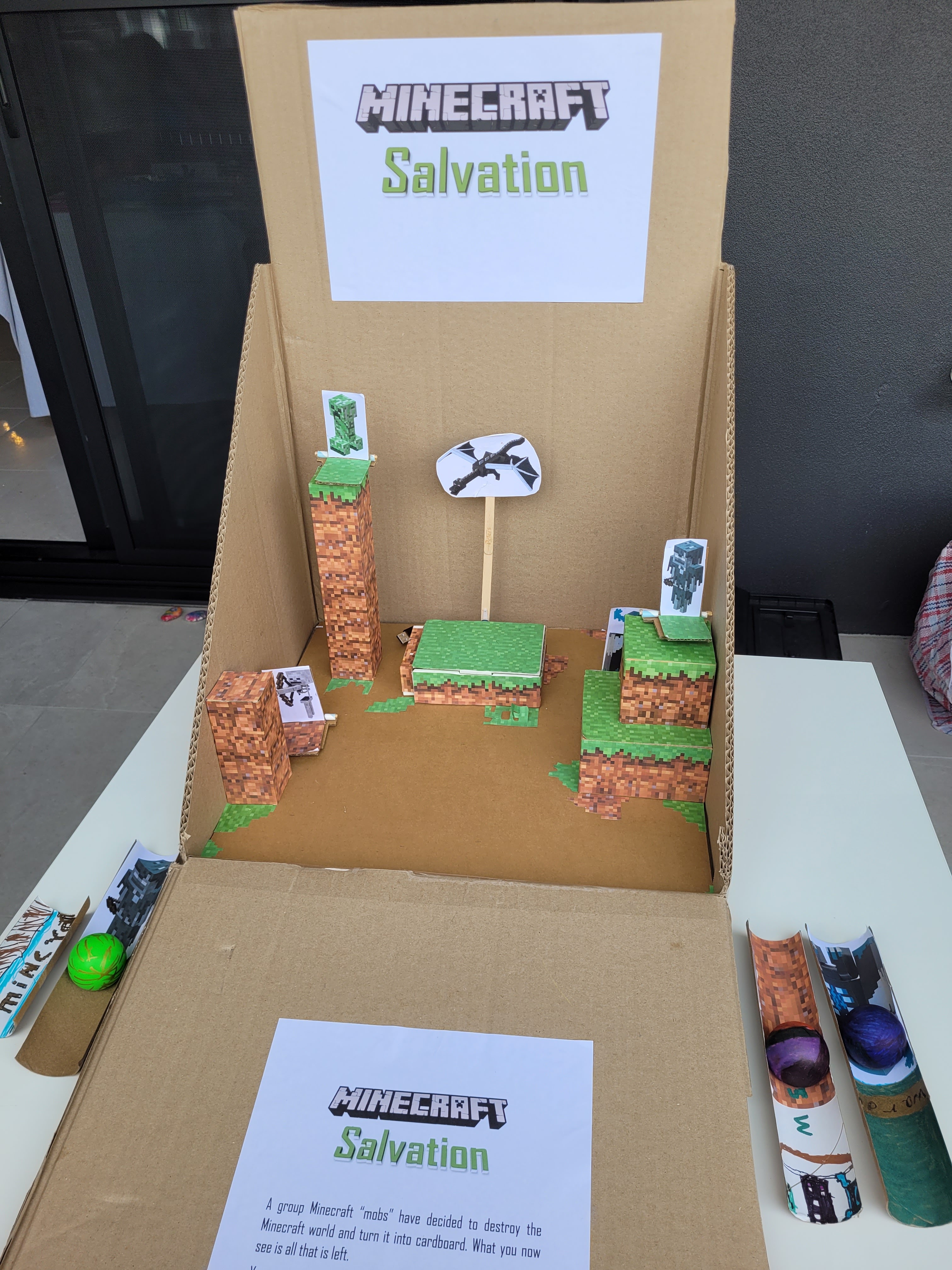
Originally, the main reason why I made Minecraft salvation was; unlike the other projects, due to a school exam. And in case you thought I was a PhD, I'm not, and yes, I go to school, hence, some of my projects originate with an exam or a test. The game story line is about a group of Minecraft mobs (living things that are not humans in Minecraft) which decided to destroy the Minecraft world and turn it into cardboard. The goal of the game is to kill the five mobs: Creeper, Stray, Skeleton, Warden and Ender dragon. Only then, will Minecraft world survive so that all the kids and adults in the world can play Minecraft again; actually, realistically not the adults.  At the beginning of the game you can choose your favourite launcher and ball. You are then given ten shots to shoot all the non moving targets:  Creeper, Stray, Skeleton and Warden and the moving target, the Ender dragon. If you don't manage to defeat them in ten shots or less you loose and Minecraft will be destroyed...

Tombstone - Micro:bit robot

Image
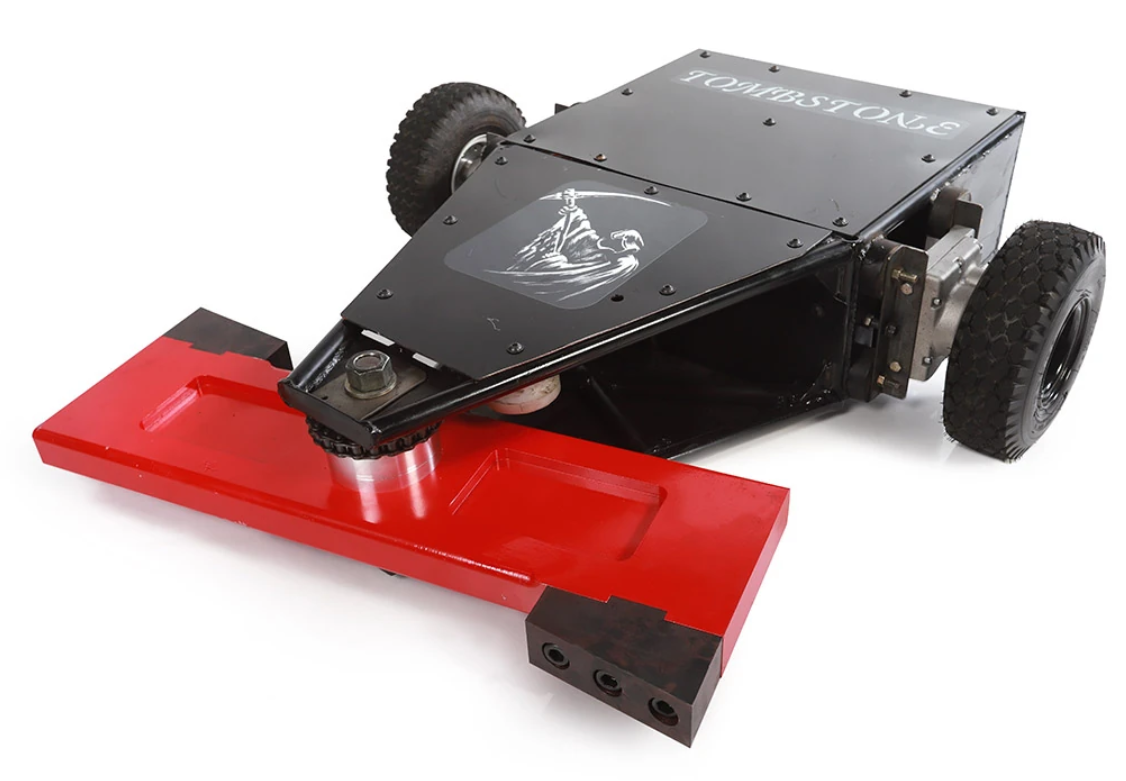
The inspiration for this project was a TV series called Battlebots. We saw 2 seasons on Netflix. It was about robots battling each other in an arena. My favorite robot was called Tombstone. This is the robot we built. It uses some Micro:bit components, some motors and Lego Technic pieces.  It is powered with a USB power bank. The chassis is made out of cardboard and the components are attached with zip ties and blue tag This project requires motors to move the robot and to move the blade at the front. As you can see in the photo we are using 1 Lego motor to move the Lego Technic that controls the blade and 2 non-Lego motors that move the robot. We also added a swivel castor wheel for support Making the robot we discovered that can't connect the motors directly to the pins on the Micro:bit because you can fry the Micro:bit. So you need to use a motor shield. There are many available but we are using this one from Dfrobot. It is called the Dfrobot Micro:bit expansion board. This one ...